Simple Kegel
심플 케겔 · Health & fitness
A few minutes a day: the easiest habit for your pelvic floor — no sign-up, and all your records stay on your device.
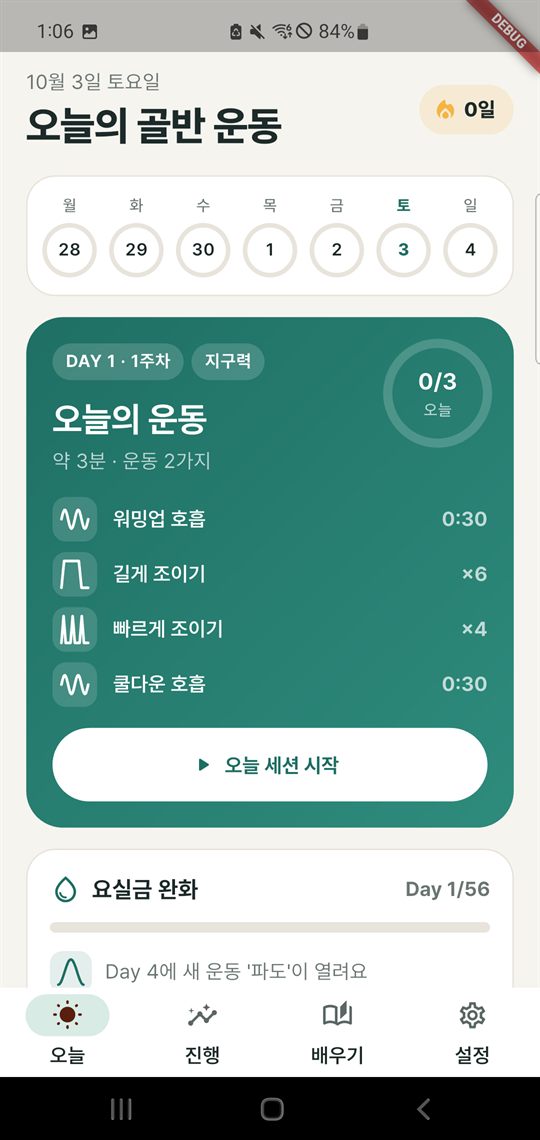
Simple Kegel is a pelvic floor (Kegel) exercise coach app for both women and men. Choose your gender, goal and current level, and it builds an 8-week program that adapts to you. Guided sessions of 3–8 minutes use a breathing-circle animation, sound effects, vibration and voice cues to time each squeeze, hold and release. Follow your progress with the bladder diary and statistics, and share a summary report directly with your doctor or physiotherapist.
How it works
One minute to set up, a few minutes a day to exercise
Make a few choices the first time you open the app, and today’s workout is ready. It never asks for your email, phone number or password.
Step 1
Set it up for you
Choose your gender (female/male), goal (incontinence relief, prenatal/postpartum care, post-prostatectomy recovery, sexual health, healthy-aging prevention) and current level (beginner, intermediate or advanced), and review the safety notice.
Step 2
Exercise with guidance
Follow the breathing circle on screen and the sound, vibration and voice cues to squeeze, hold and release. When the session ends, rate it as easy, just right or hard.
Step 3
Your next session adapts
Your rating is reflected in the difficulty of the next session, and new exercises unlock as the weeks go by. After 8 weeks, you continue with a maintenance phase.
Features
What Simple Kegel can do
Everything from exercise guidance to records, habit building and privacy protection runs on your device with no internet connection.
-
Personalized onboarding
Choose your gender, one of 5 goals and your level (beginner, intermediate or advanced), and your program is put together. Before you start, you review safety notices: the app is not medical advice, stop if you feel pain, and talk to your doctor if you have just had surgery or are pregnant.
-
Adaptive 8-week program
Exercises are organized by day and week, and new exercises unlock one at a time as you progress. The perceived difficulty you rate after each session is reflected in the intensity of the next one, and after 8 weeks a maintenance phase follows.
-
Guided session player
Guides you through 8 exercises in sessions of 3–8 minutes. You can turn the breathing-circle animation, sound effects, vibration (haptics) and device voice (TTS) cues on or off, pause and resume, and the screen stays on during a session.
-
Technique check
A 4-question self-check quiz and a tap-hold timing check help you confirm that you are contracting correctly. Results are shown on screen right away and are never saved.
-
Habit building
Streaks of consecutive exercise days, streak freezes that protect your streak when you take a day off, badges for milestones such as your first session and a 7-day streak, and daily reminder notifications that you can set for several times a day.
-
Bladder diary
Record leaks, urgency, voided volume (ml), fluid intake (ml), symptom score and notes, and follow your symptom trends on a chart.
-
Progress statistics
A daily session heat map, weekly and monthly total charts, and your session log show your consistency and progress at a glance.
-
Reports to share with professionals
Create a summary of the last 1 week, 1 month or 3 months (total sessions, total exercise time, average rating, daily session count and average symptom score) as a PDF or CSV and share it yourself. Raw data such as diary notes, leaks and voided volume is not included in the report.
-
Educational content
Read about pelvic floor anatomy, correct technique and frequently asked questions in Korean or English, and watch 9 exercise demonstration videos that are built into the app and play without the internet.
-
Privacy protection
The app offers a PIN app lock, an incognito mode that shows a cover screen when you switch apps, export of all your data as JSON, and “Delete all”. The PIN is stored only as a hash, never in its original form.
-
Settings
Change the theme (system, light, dark), language (system, English, Korean) and sound, haptic and voice cues to suit you.
Screenshots
A look at the app
Swipe sideways to see more.
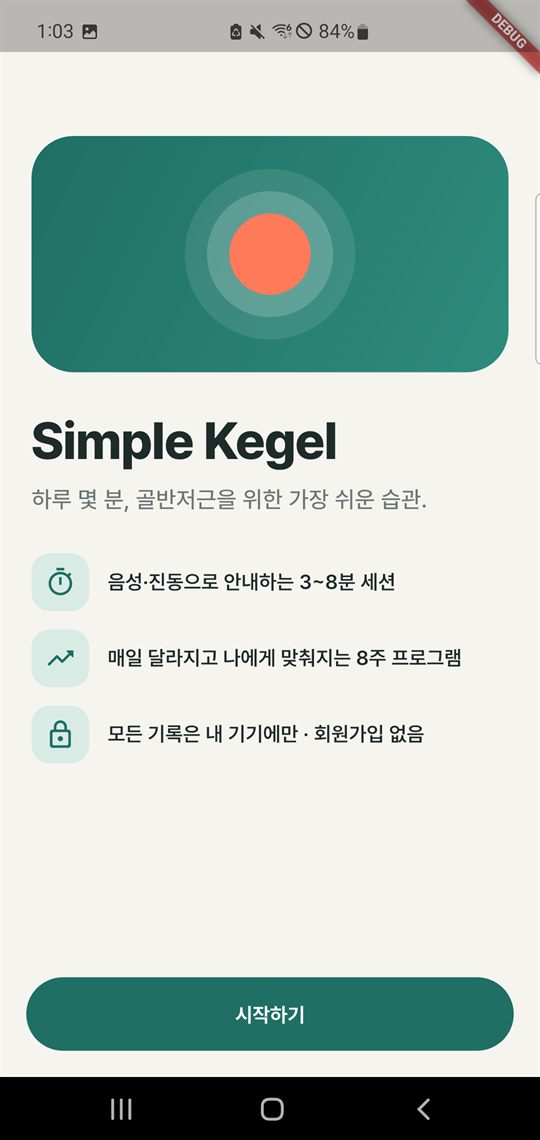
Welcome screen 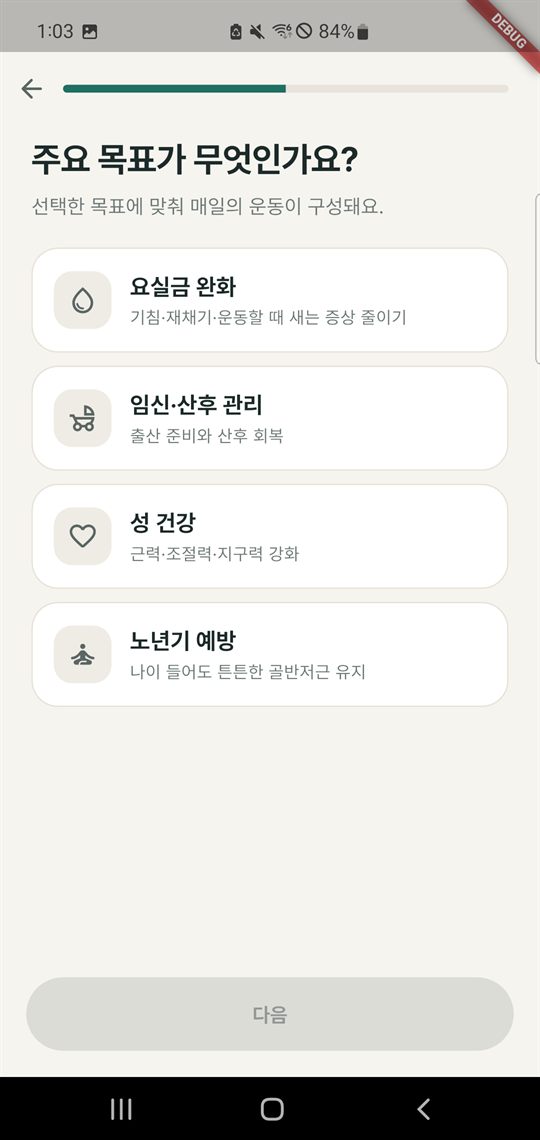
Choosing a goal 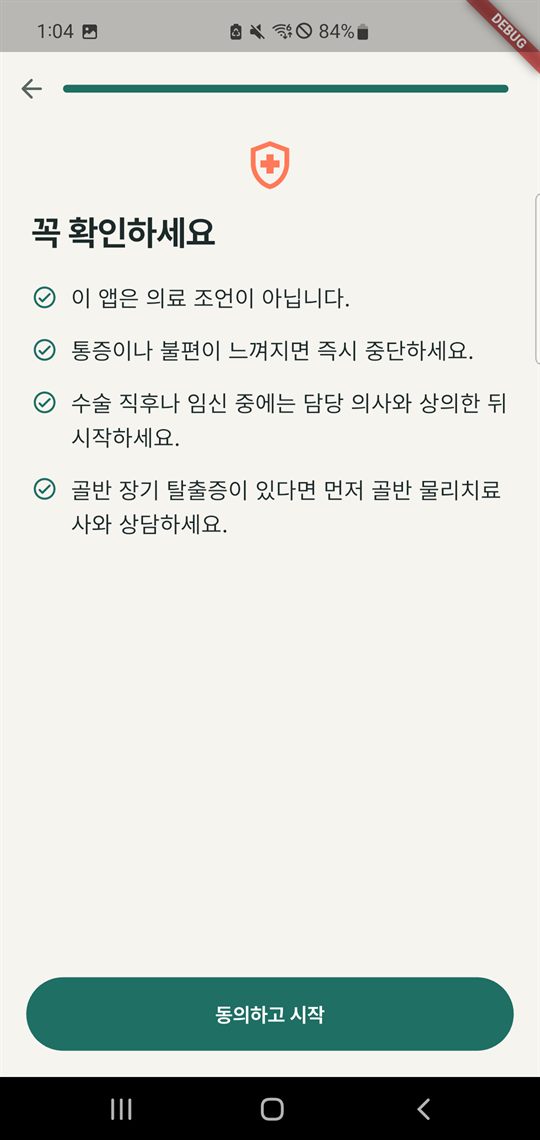
Safety notice Today’s workout 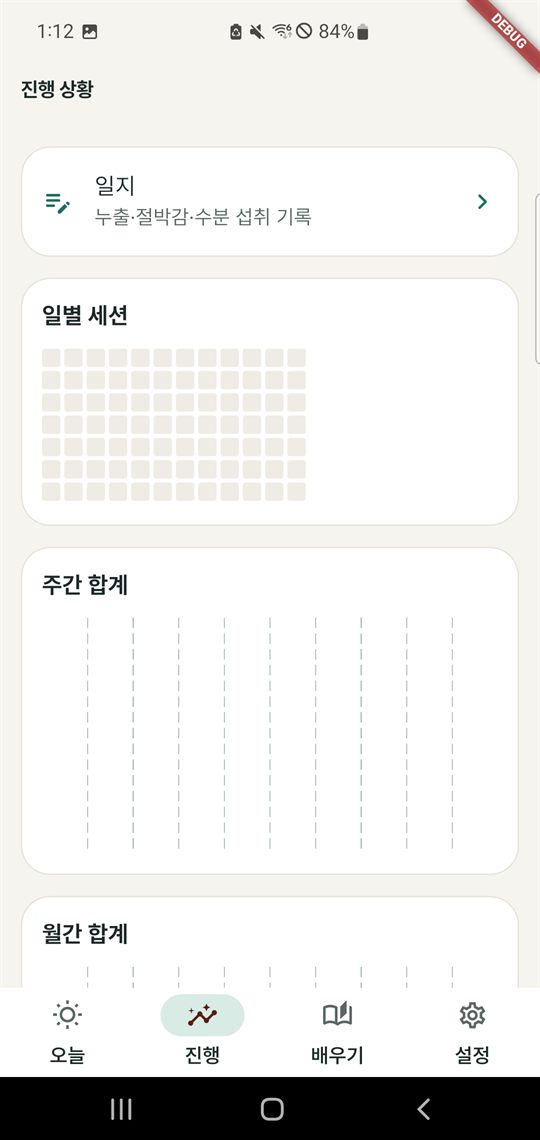
Progress 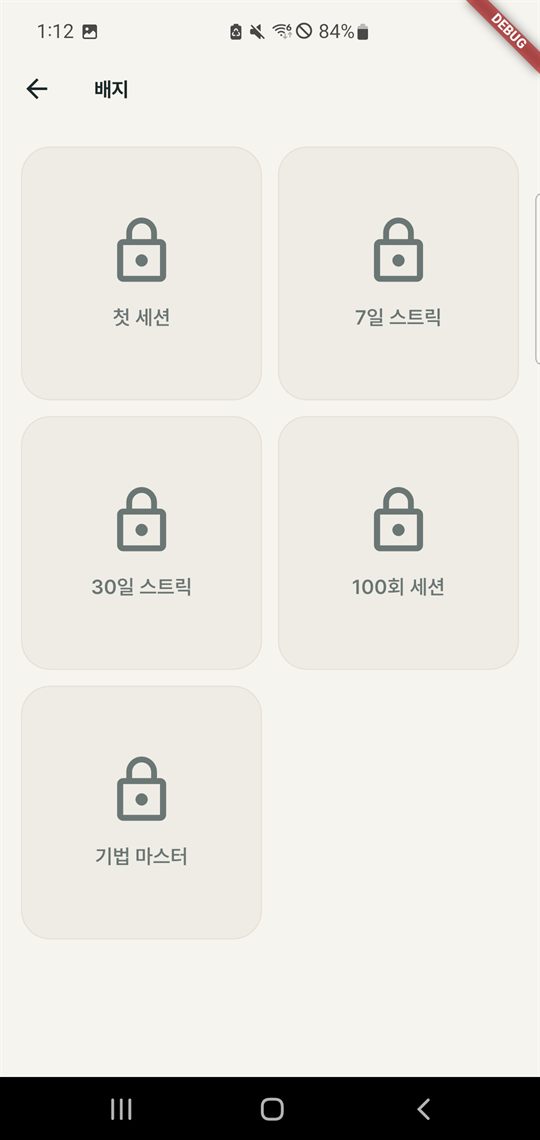
Badges 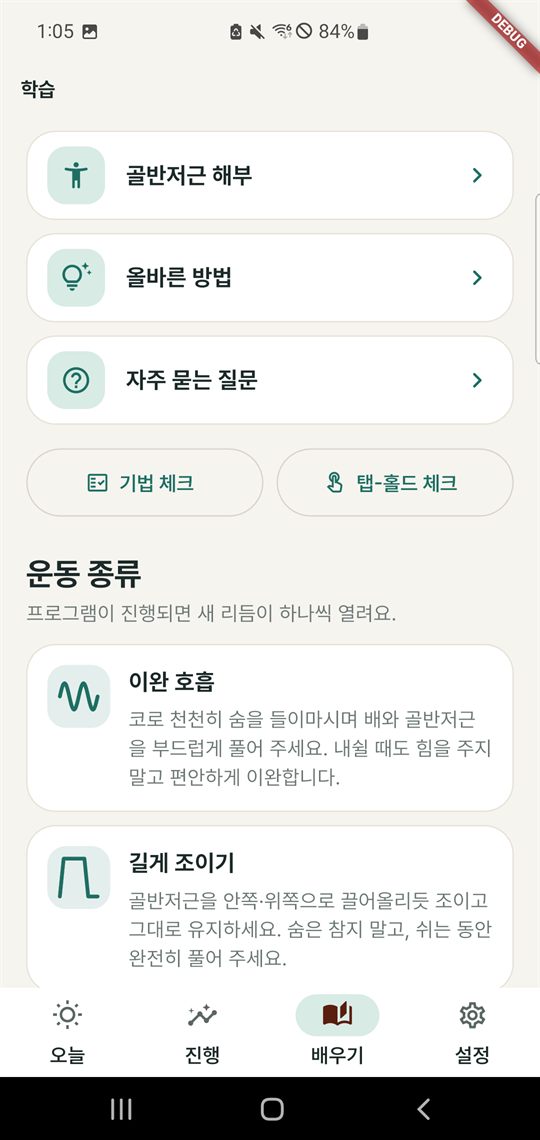
Learn 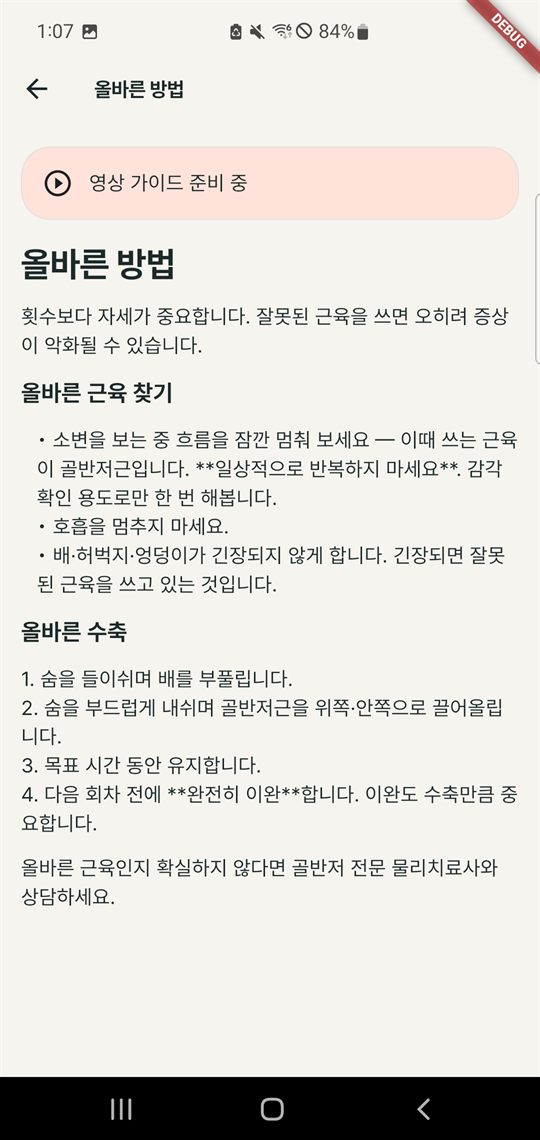
Articles 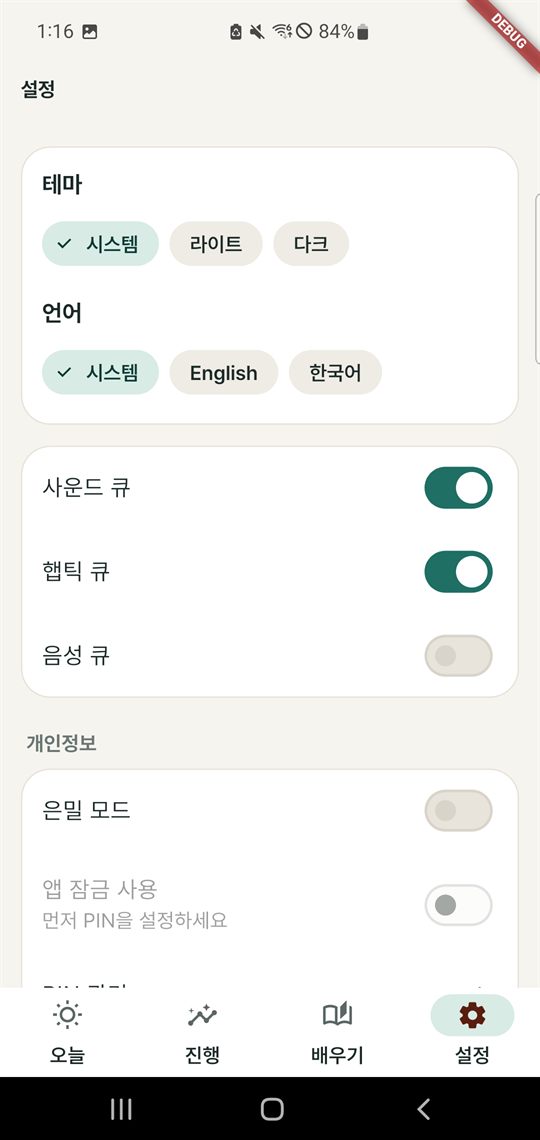
Settings 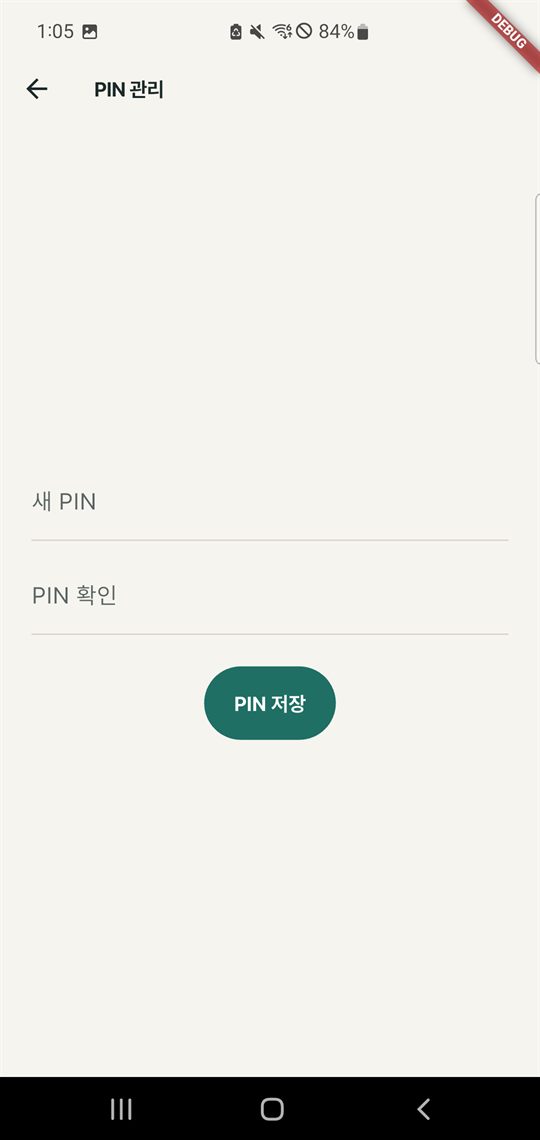
PIN lock 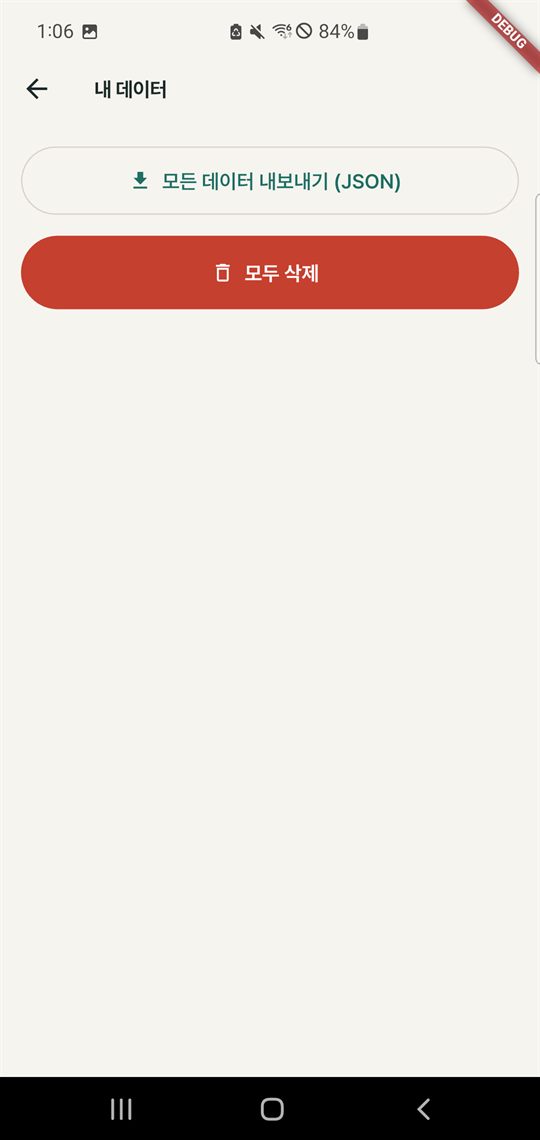
My data
For you
Who it’s for
An app for adult women and men alike who want to train their pelvic floor consistently.
- Anyone who wants to reduce urine leaks when coughing, sneezing or exercising
- Anyone preparing for childbirth or recovering after giving birth (talk to your doctor before you start)
- Men recovering after prostate surgery (follow your medical team’s guidance first)
- Anyone who wants to look after their sexual health by building strength, control and endurance
- Middle-aged and older adults who want to keep a strong pelvic floor as they age
- Anyone who wants to keep sensitive health records only on their own phone, without signing up
Simple Kegel is an app that supports an exercise habit. It is not a medical device and does not replace diagnosis or treatment. If you feel pain while exercising, stop immediately, and if you have just had surgery, are pregnant or have severe symptoms, talk to a doctor or a pelvic floor physiotherapist first.
Privacy
Your records stay on your device
Simple Kegel has no sign-up, does not request the Android Internet permission, and includes no advertising, analytics or crash-reporting SDKs. ReOn Solution runs no server that receives your records.
| Information | Stored in | Used for |
|---|---|---|
| Profile: gender, goal, level, start time | App database on the device | Building your personalized program |
| Session log: start time, duration, perceived difficulty, program day | App database on the device | Statistics, streaks and badges, difficulty adjustment |
| Bladder diary: leaks, urgency, voided volume, fluid intake, symptom score, notes (health-related information) | App database on the device | Self-monitoring, symptom trend charts, summary reports |
| App lock: PIN hash, whether incognito mode is on | App database on the device | App lock |
| Reminder times and notification text | The device’s notification scheduler and app storage | Daily reminders |
| Biometric data such as fingerprints or face | Never stored in or passed to the app (in the current version, the app lock is unlocked with a PIN) | N/A |
| Technique-check results | Not saved | Instant on-screen feedback |
A file goes to the app or person you choose only when you send it yourself from the Android share sheet: an export made with “Export all data (JSON)” or a PDF/CSV summary report.
App data may be included in your own Google account backup and restored when you reinstall the app or move to a new device. Google stores this backup, and ReOn Solution cannot see it.
For details, see the Privacy Policy and the Account & Data Deletion guide.
FAQ
Common questions
Does it cost anything?
There are no ads or in-app purchases in the app. You can use every feature at no extra cost.
Can I use it without the internet?
Yes. Simple Kegel does not request the Android Internet permission, and every feature, including exercise sessions, articles, demonstration videos and statistics, works even in airplane mode. Voice cues use the text-to-speech (TTS) engine installed on your device.
What happens to my records if I change phones? Can I back them up?
There are no accounts, so your records are not stored on any server. You can create a file to keep with “Export all data (JSON)” under Settings › Privacy › Export / delete data. Also, if Android device backup is turned on, your records may be moved to a new device through your Google account backup.
How do I delete my records completely?
“Delete all” in the app deletes your session logs, diary, profile and lock information, and clearing the app’s storage in Android settings or uninstalling the app deletes all data on the device. How to delete the Google backup copy as well is explained in the Account & Data Deletion guide.
What permissions does it use?
It uses permissions for reminder notifications (showing notifications, restoring them after a reboot, scheduling alarms), calling the device’s biometric authentication, keeping the screen on during sessions, and vibration. The current version does not ask for the notification permission inside the app, so on Android 13+ you need to allow notifications in Settings › Apps › Simple Kegel › Notifications for reminders to appear. It does not request camera, microphone, location, contacts or photo permissions. The purpose of each permission is listed in a table in the Privacy Policy.
I don’t like the word “Kegel” showing in my reminder notifications.
The default notification text is “Time for your Kegel session”, and it may be visible on the lock screen. If you turn on “Use discreet wording” in the reminder settings and save, the text changes to less noticeable wording, such as a plain reminder title with a daily check-in message. You need to turn this option on again each time you save your reminders. You can also hide notification content on the lock screen in Android settings.
Can I use this app instead of seeing a doctor?
No. Simple Kegel is not a medical device and does not provide medical advice. If you have symptoms, have had surgery or are pregnant, be sure to consult a healthcare professional. You can share a summary report with your healthcare provider for reference during a consultation.
How do I contact you?
Please send bug reports, feature suggestions and privacy questions to [email protected]. Putting “Simple Kegel” in the subject line helps us check your message faster.